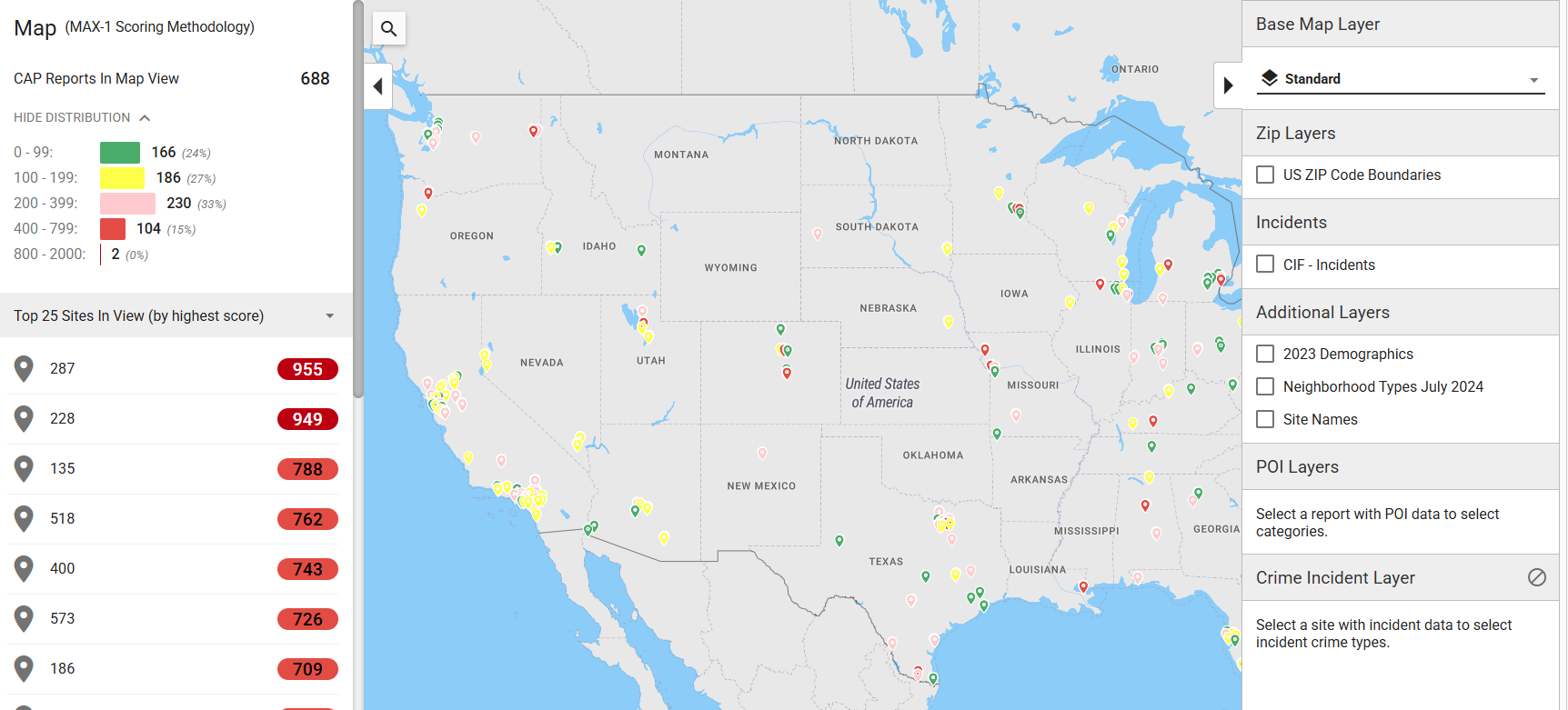
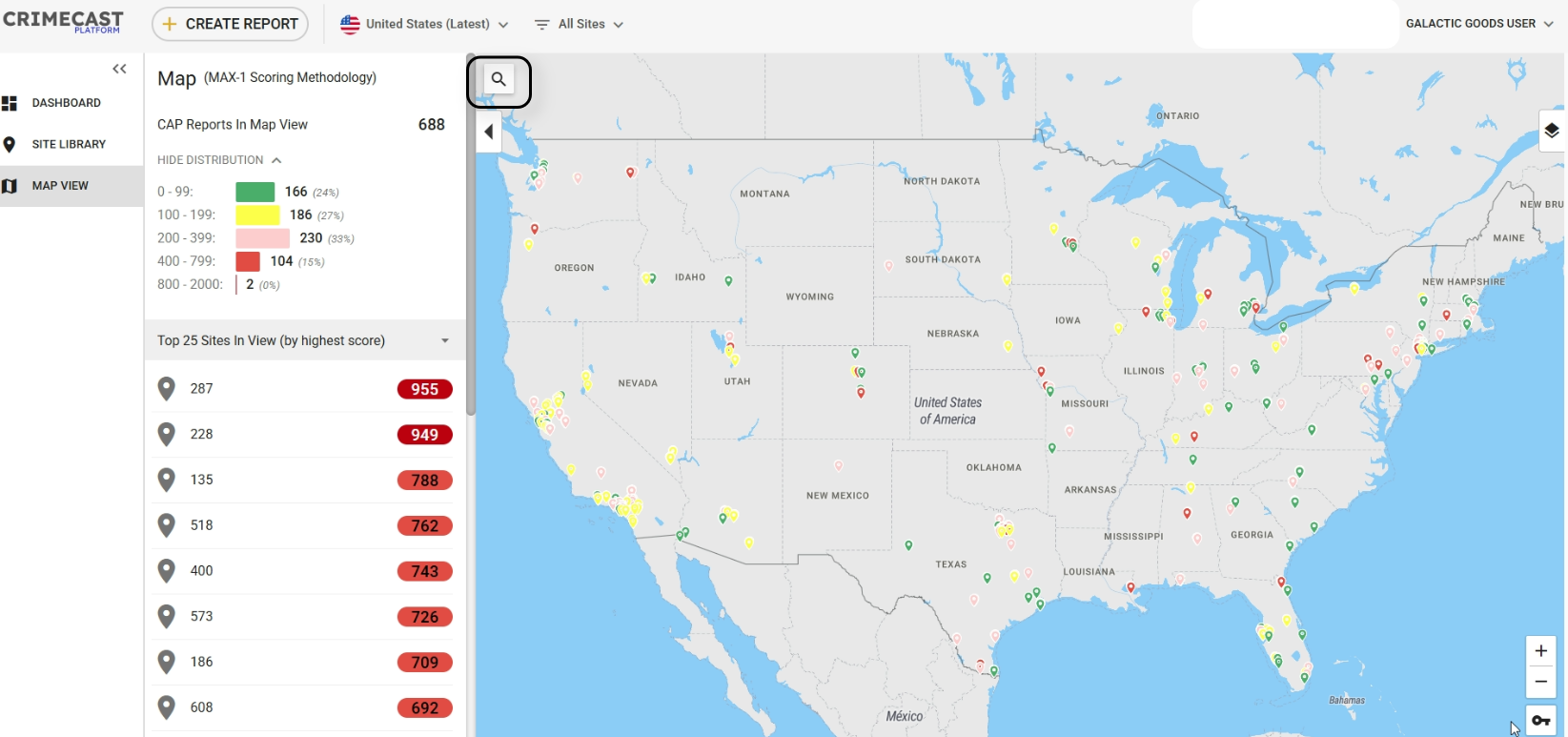
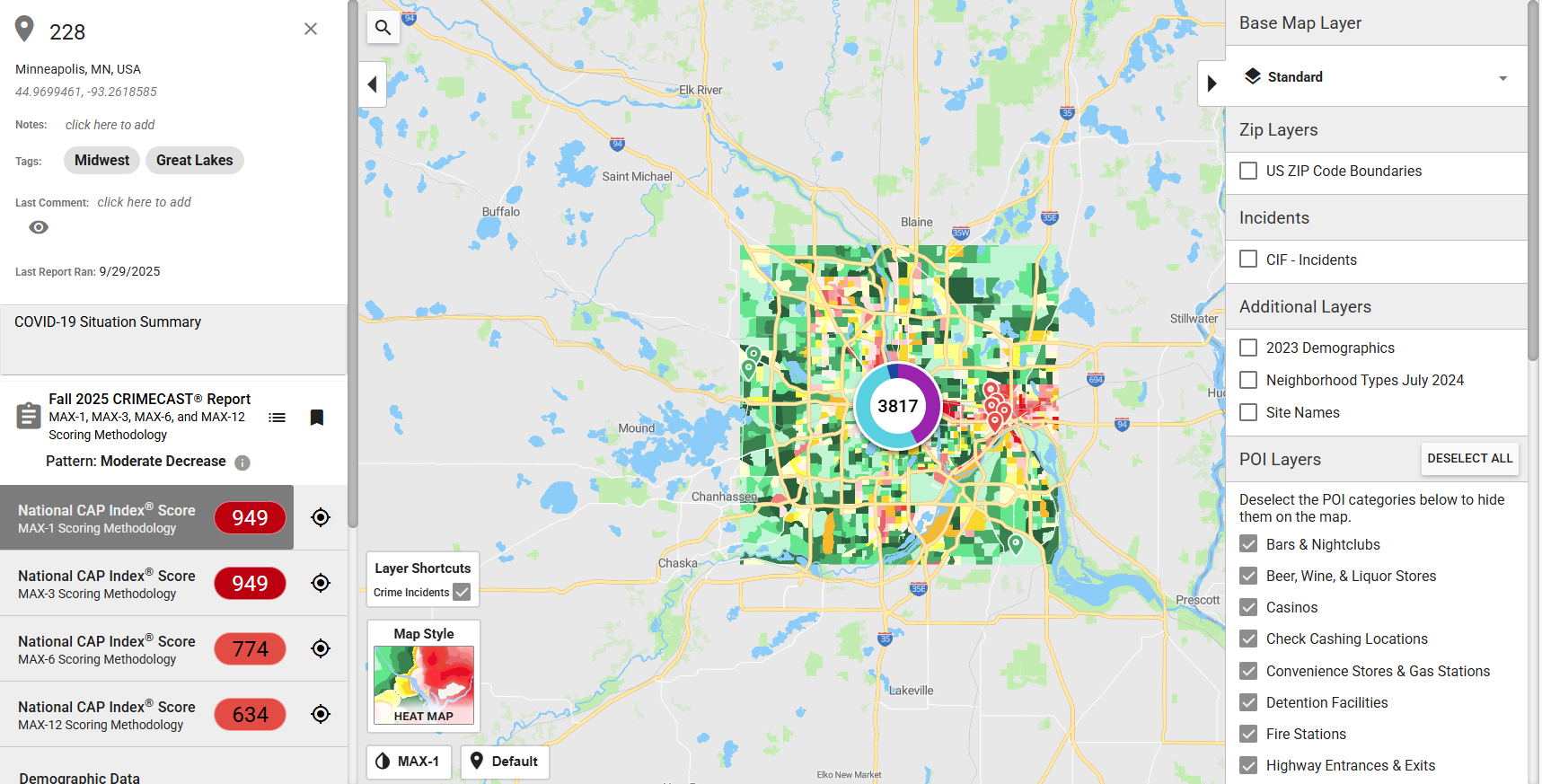
How to view mapping layers and search sites in map view.
Within the CRIMECAST Platform, you can toggle between the default 'base map' and additional base layers in your account. You may also purchase additional mapping layers for a deeper analysis of the risk of crime around your locations. Here is how to access the mapping layer options.
Related Articles
How to compare crime risk at different sites
Within the CRIMECAST Platform, you can compare the crime risk between different sites or benchmark sites against an industry as a whole. Navigate to the CRIMECAST Platform. Click "SITE LIBRARY". You can find the compare feature within the Site ...
Where to find and view old reports.
CRIMECAST Reports that have been created within the past five years can be found within the Site Library. In some cases, the filter settings at the top of the Site Library may limit what is within view. The filter settings can be edited to select ...
How to view account users and download user information.
This is an Admin Only function Platform administrators can view a list of users in your account, and download all user information, within the "Manage Account" section of the dashboard. Here is how it works:
How to create a CRIMECAST Report for a single site.
How to Create a CRIMECAST Report for a Single Site Within the CRIMECAST Platform, you can create a CRIMECAST Report for a single site; create CRIMECAST Reports for multiple sites at the same time; and, upload sites without initially scoring the sites ...
How to use the Risk Distribution Overview and Risk Distribution Comparison Charts.
The Risk Distribution Overview and Risk Distribution Comparison charts show a breakdown of your sites across each CAP Score Risk Category. The Risk Distribution Overview can be added to your dashboard at any time and shows a breakdown of all of your ...